Service menu — Touch 2
How to enter the Touch 2 service menu, where things are, and how to exit safely. The paths below are a general guide; exact tab names and screenshots from the machine service menu can be found at the bottom of this page.
Entry
Enter service mode via service authorization (QR / service access). Once in, the main management sections are available.
Main sections
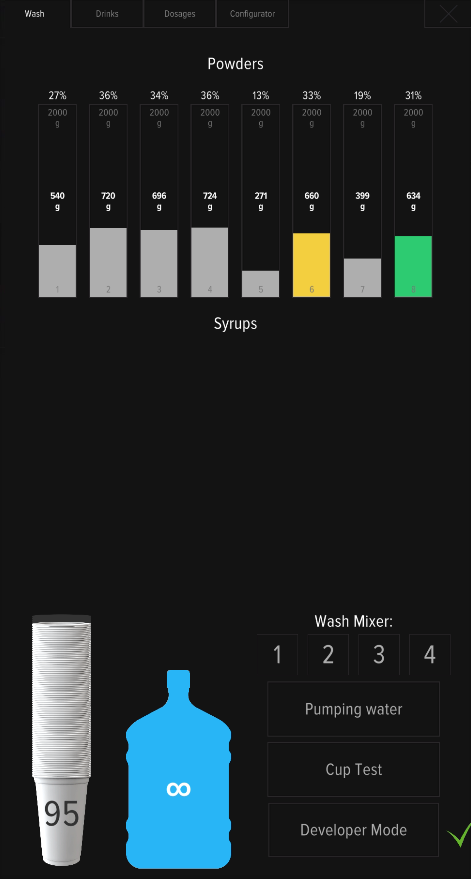
- Wash — mixer rinse.
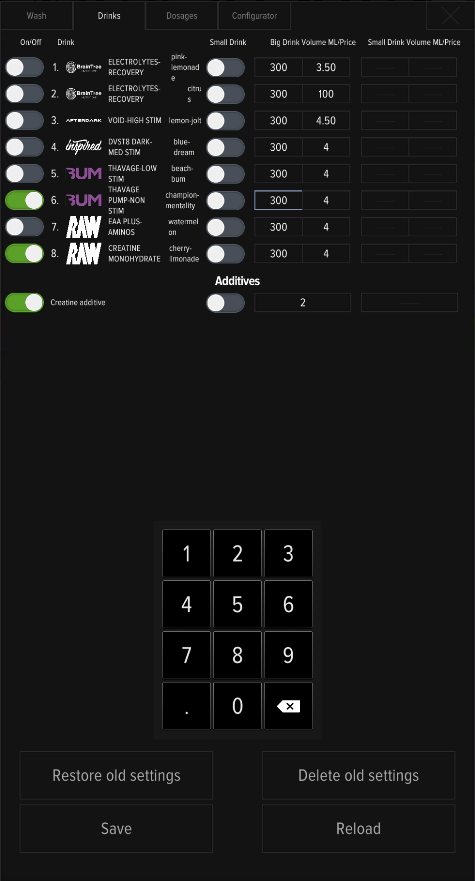
- Drinks — which flavors are on which slots.
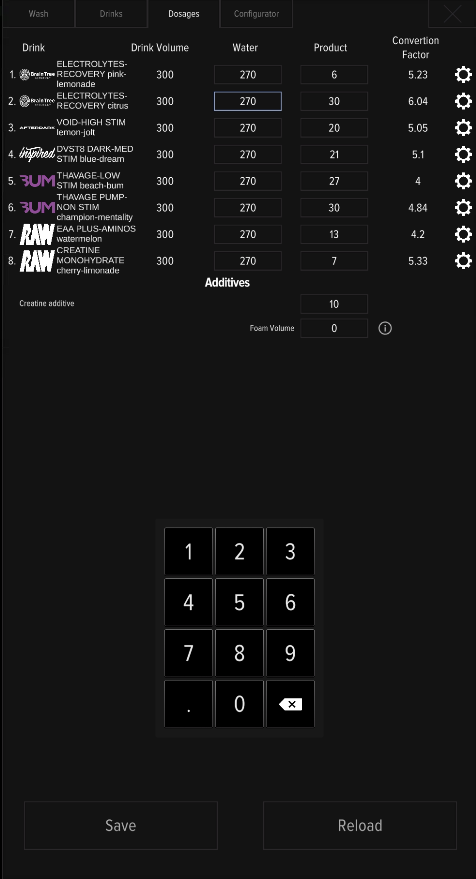
- Dosages — water and powder doses per drink.
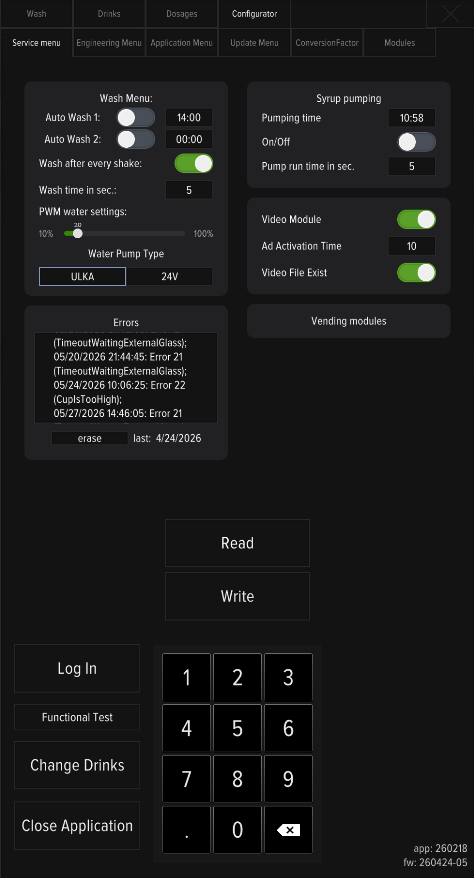
- Configurator — machine configuration; also Update Database From Server is located in Change Drinks menu on the bottom left side.
Before you leave
Always exit service mode before leaving the machine. If you don’t, the dashboard shows a yellow bar (service mode) and sales are paused.