Adjusting the amount of water and powder
Calibration is what makes the machine dispense the exact amount you set in each recipe — instead of being off by 10–20%. Use this guide whenever you load a new powder, change a recipe, or notice that drinks taste off. You’ll need a kitchen scale, a measuring cup, and about 15 minutes per slot.
What you’ll need
To check the dosage of products You will need:
- kitchen scales,
- measuring cup,
- or a flask.
Getting to the Conversion Factor screen
1. Open the service menu by pressing the SERVICE MODE button inside the machine:
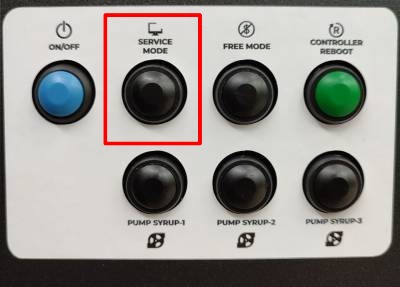
2. In the service menu, turn on the Developer Mode:
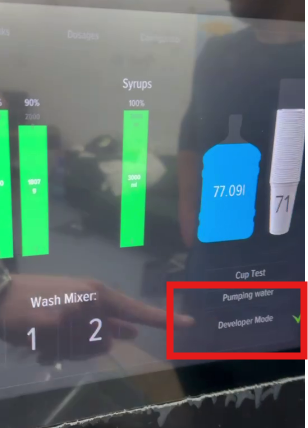
3. Once the “Configurator” tab appeared in top menu on the right side – click on it:
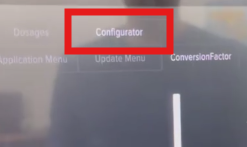
4. Then You should open the “ConversionFactor” tab:
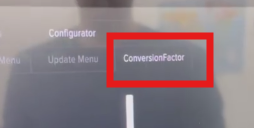
5. In the “Container Number” field, select one of the options from the list – either water or one of the containers that You have:
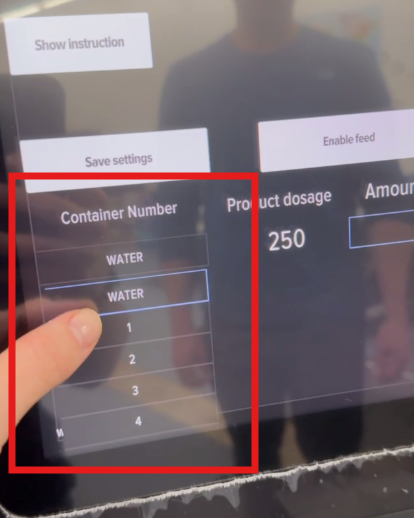
6. Configure the powder or the water.
Calibrating water
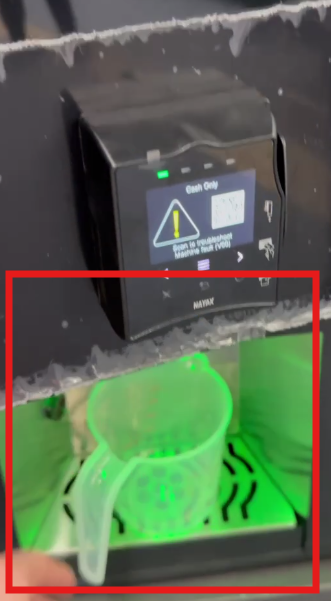
- Simply put Your measuring cup in the dispensing window and click the “Enable feed” button:
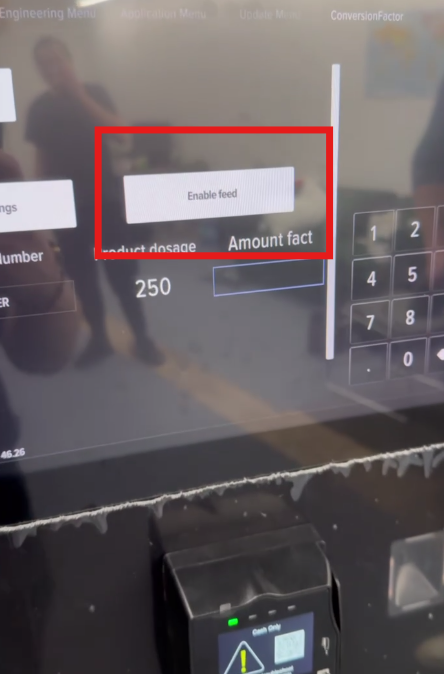
- After measuring the amount You received in the cup, put this number in the “Amount fact” field:
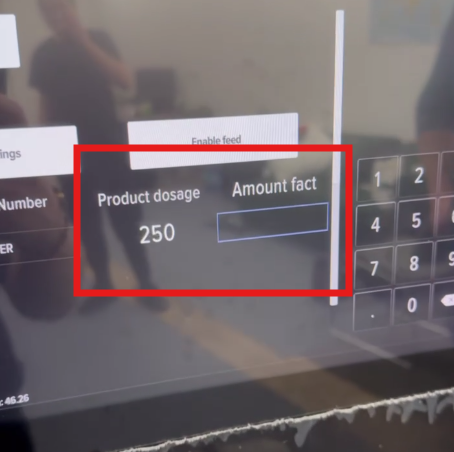
- On the same tab, click on “Save settings” button:
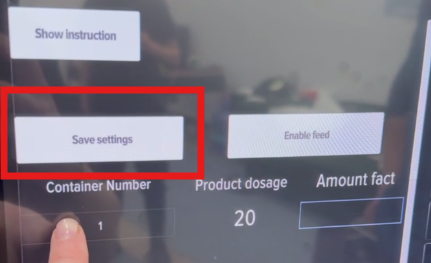
- Repeat the process until You get the desired result.
- Video guide on configuring water:
Calibrating powder
Recommendations:
- Before calibrating powders, You need to weigh an empty cup,
- It is recommended to calibrate powders at a dosage of no more than 35 grams. That is why You should check the “Dosages” tab to update the product dosage under “Product” column:
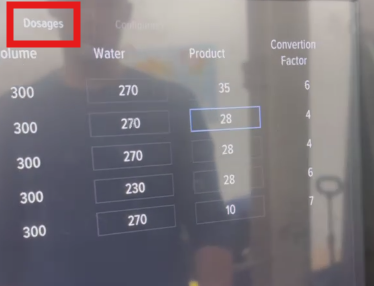
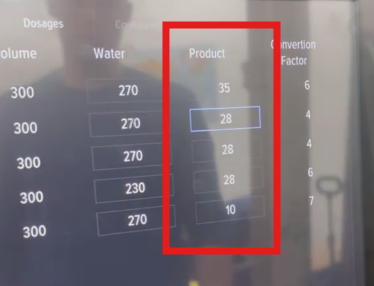
- When You are ready to proceed, open the “Configurator” tab once again and go to the “ConversionFactor” tab:
- Select a product to configure:
- Open the machine and container with powder You want to configure, and place Your empty cup under that container:
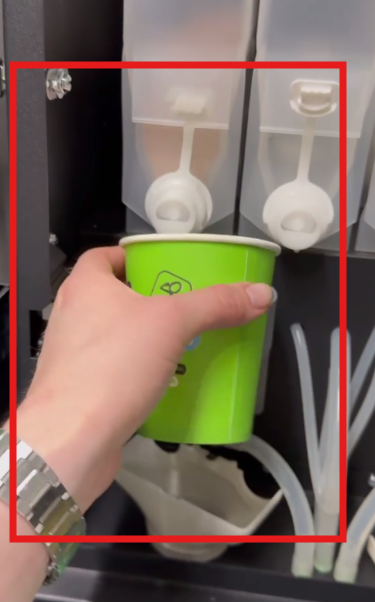
- Press the “Enable feed” button to get the powder:
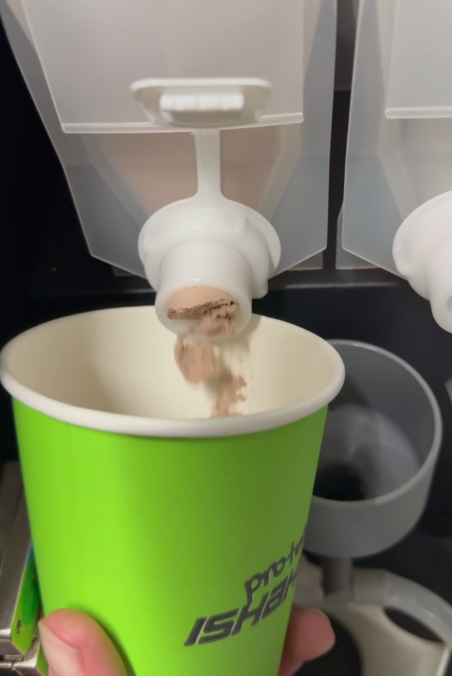
- After receiving the powder in the cup, it must be measured, and the actual value must be entered in the “Amount fact” field. After that, You should press the “Save Settings” button:
- Repeat the process until You get the desired result.
- Video guide on configuring powder: